
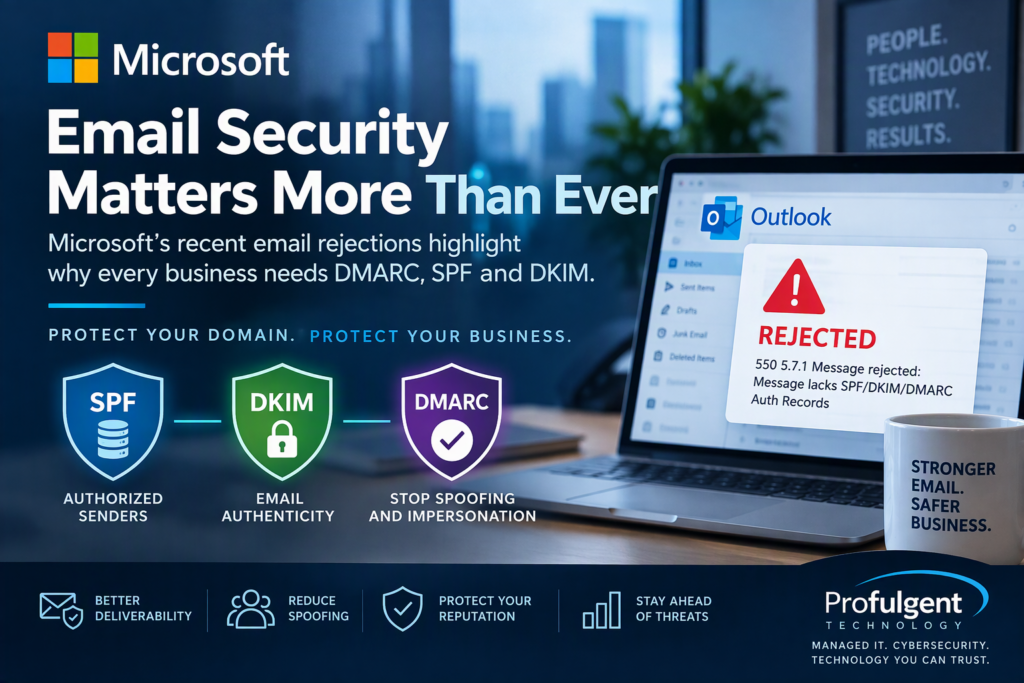
Microsoft Email Rejections Highlight Why Businesses Need DMARC, SPF and DKIM
Microsoft DMARC requirements are putting a renewed spotlight on email authentication. Is your business domain properly configured with SPF, DKIM and DMARC?
Businesses rely on email every day to communicate with customers, vendors and employees. But a missing or improperly configured DMARC record could affect your email security and, increasingly, your ability to reliably deliver email.
In November 2026, businesses began reporting that some email sent to Microsoft Outlook.com, Hotmail.com, Live.com and MSN.com addresses was being rejected when the sending domain did not have a DMARC record.
Microsoft later confirmed that the unexpected blocking was caused by an incorrectly deployed spam-enforcement update, which was subsequently rolled back. It was not a new Microsoft policy requiring every email sender to have DMARC. Microsoft Briefly Rejected Mail From Domains Without DMARC.
The incident should serve as an important warning to businesses.
SPF, DKIM and DMARC are quickly becoming essential components of business email security and reliable email delivery.
What Is DMARC?
DMARC, or Domain-based Message Authentication, Reporting and Conformance, is an email authentication standard designed to help protect your domain against email spoofing, phishing and other forms of impersonation.
DMARC works together with two other important email authentication technologies:
- SPF (Sender Policy Framework)
- DKIM (DomainKeys Identified Mail)
DMARC is described as an email authentication method that helps prevent spoofed senders commonly used in business email compromise (BEC), phishing and ransomware attacks.
Together, SPF, DKIM and DMARC help receiving email providers determine whether a message claiming to come from your company is legitimate.
How Do SPF, DKIM and DMARC Work?
Business owners don’t need to become email engineers, but understanding what these technologies do is increasingly important.
SPF: Who Is Allowed to Send Email?
SPF identifies which email systems are authorized to send email on behalf of your domain.
For example, your company may authorize Microsoft 365 to send email while also using other services such as a CRM, marketing platform or ticketing system.
DKIM: Is the Email Authentic?
DKIM applies a digital signature to outgoing email.
Receiving email systems use that signature to help verify that the message legitimately came from an authorized system and wasn’t modified in transit.
DMARC: Does Everything Match?
DMARC ties SPF and DKIM authentication to the domain people actually see in the From address.
According to Microsoft, a message passes DMARC when the required SPF or DKIM authentication and domain alignment conditions are satisfied. DMARC can also specify how receiving systems should handle messages that fail authentication.
That’s particularly important for protecting your company against criminals pretending to be your employees or executives.
Why Did Microsoft Reject Emails Without DMARC?
During the November 2026 incident, some senders received errors such as:
The problem affected some domains even when SPF or DKIM was present.
Microsoft subsequently determined that an update to its spam-enforcement rules had incorrectly blocked messages to Microsoft consumer email services. The update was rolled back and Microsoft reported mail flow restored. Microsoft Briefly Rejected Mail From Domains Without DMARC.
So why should businesses care if Microsoft fixed the problem?
Because email providers are moving toward stronger authentication requirements, particularly for organizations sending large amounts of email.
Microsoft already requires domains sending more than 5,000 messages per day to Outlook.com consumer addresses to meet SPF, DKIM and DMARC authentication requirements. Outlook.com Rejected Mail From Domains Without DMARC.
The direction of email security is clear.
Microsoft 365 or Google Workspace Alone Doesn’t Guarantee Your Domain Is Protected
This is one of the biggest misconceptions we see with business email.
A company may use Microsoft 365 and assume Microsoft automatically handles everything associated with email authentication.
That’s not necessarily the case.
Your Microsoft 365 or Google Workspace environment may be configured correctly while another system sends email using your company’s domain.
Examples include:
- CRM systems
- QuickBooks and accounting applications
- Marketing platforms
- Website contact forms
- Help desk and ticketing systems
- HR and payroll applications
- Multifunction printers and scanners
- Security systems
- Monitoring platforms
- Industry-specific business applications
Every legitimate service sending email on behalf of your organization needs to be considered when implementing SPF, DKIM and DMARC.
Otherwise, improving your security could unintentionally prevent legitimate business applications from sending email.
Does My Business Need DMARC?
Yes. Even if your organization isn’t currently required by Microsoft to implement DMARC, properly configuring it is a cybersecurity best practice.
DMARC can help your organization:
- Reduce domain spoofing
- Improve protection against phishing
- Fight business email compromise
- Identify unauthorized email senders
- Improve visibility into who is sending email using your domain
- Protect your company’s reputation
- Improve email deliverability
- Prepare for stricter email authentication requirements
DMARC is especially important for companies because email is often one of the most frequently targeted components of a company’s technology environment.
What Are DMARC Policies?
DMARC allows domain owners to publish instructions telling receiving email providers what to do when messages fail authentication.
There are three common policies.
DMARC p=none
A policy primarily used for monitoring.
DMARC p=quarantine
A policy primarily used to ask receiving systems to treat authentication failures as suspicious, which may result in those messages being sent to spam or junk folders.
DMARC p=reject
A policy primarily used to instructs receiving systems to reject messages that fail DMARC authentication.
Why DMARC Is a Cybersecurity Issue
Protecting email deliverability is only part of the reason businesses should deploy DMARC.
The bigger concern is email impersonation.
Cybercriminals frequently use email to impersonate:
- CEOs and executives
- Accounting personnel
- Vendors
- Employees
- Banks
- Customers
- Trusted business partners
The attacker may then request a fraudulent wire transfer, change banking information, steal Microsoft 365 credentials or convince an employee to disclose sensitive information.
These attacks fall into a broader category commonly called Business Email Compromise (BEC).
Microsoft specifically identifies spoofing, BEC, ransomware and phishing among the threats DMARC helps organizations combat.
For that reason, Profulgent views email authentication as part of a company’s overall cybersecurity strategy rather than simply an email-delivery setting.
Protect Your Business Email with Profulgent Technology
Email is still one of the primary ways businesses communicate, and one of the most common ways cybercriminals target them.
At Profulgent Technology, we help businesses secure and manage their email environments as part of a comprehensive managed IT and cybersecurity strategy.
We can review your organization’s email environment and help verify that SPF, DKIM and DMARC are properly configured while identifying third-party systems that may be sending email using your domain.
Don’t wait until your emails are rejected, your customers stop receiving messages or someone begins impersonating your company.
Need Help with DMARC or Microsoft 365 Email Security?
Contact Profulgent Technology to schedule an email security and domain authentication review.
We’ll help you understand what’s sending email from your domain, identify potential security gaps and build a stronger foundation for protecting your company’s email.